Free to download and play • Hundreds of levels • No ads required
What to Expect
🎮 Instant Play
Download and start playing immediately. No account required, no complicated setup. Just download, open, and begin solving the mystery.
📖 Rich Story
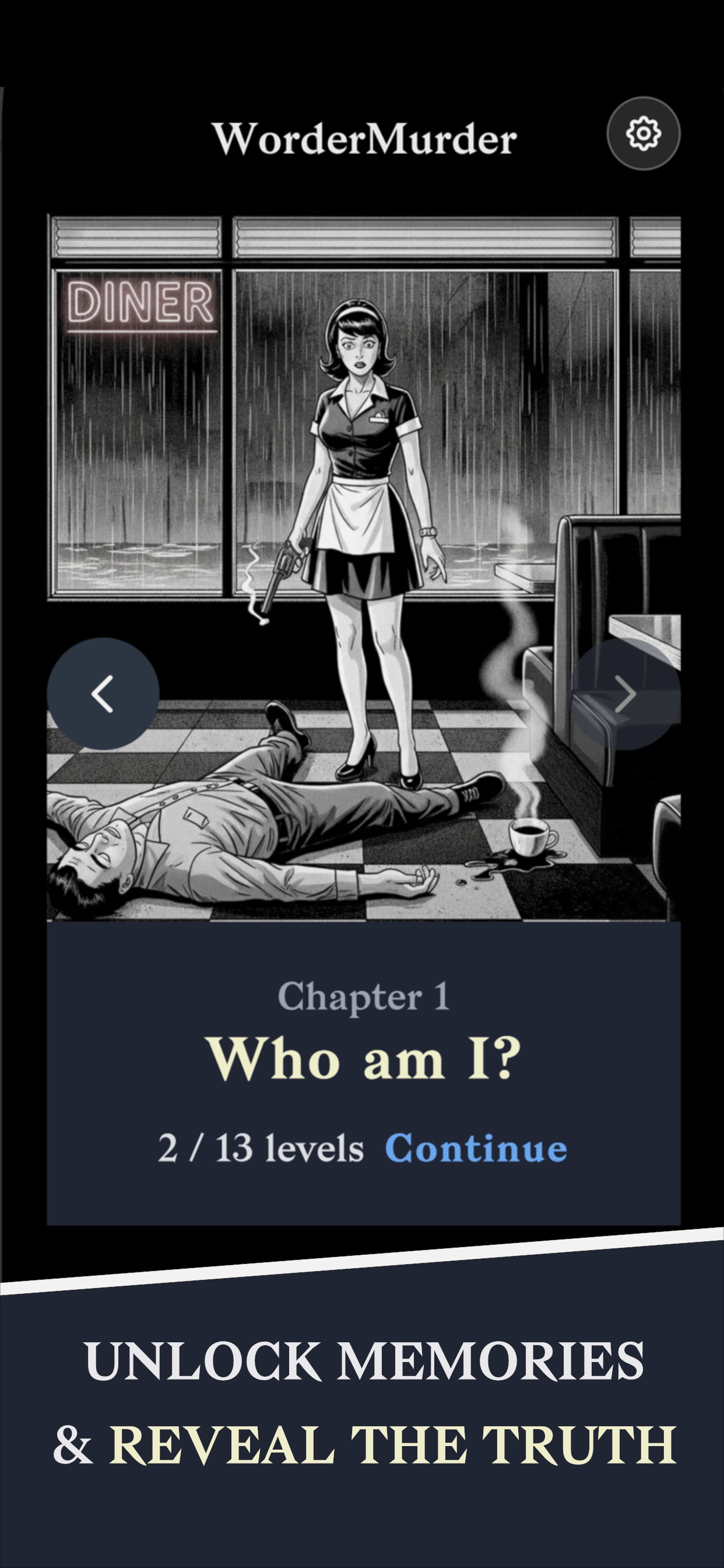
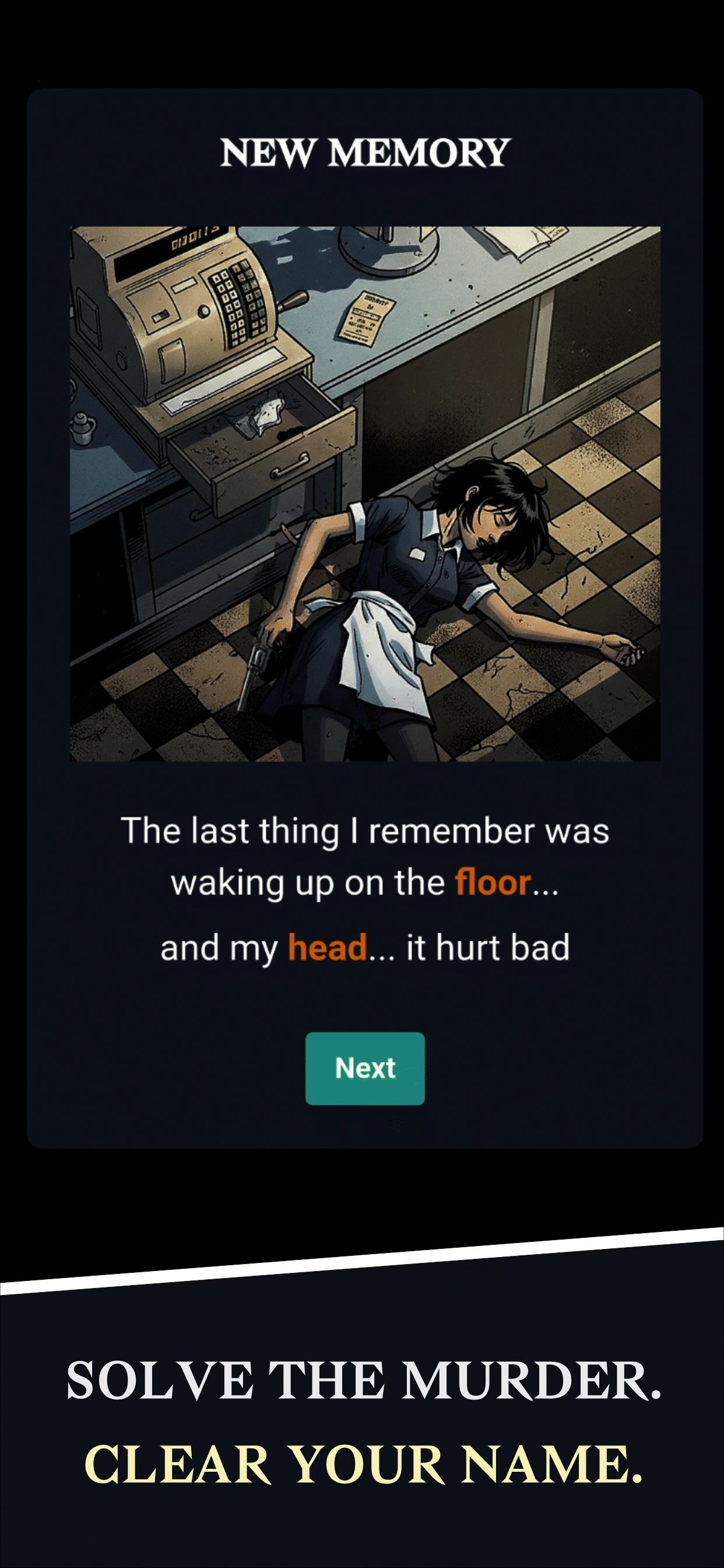
Immerse yourself in a gripping 1980s noir murder mystery. Every puzzle you solve reveals more of Laura's story through stunning comic art.
🧠 Brain Training
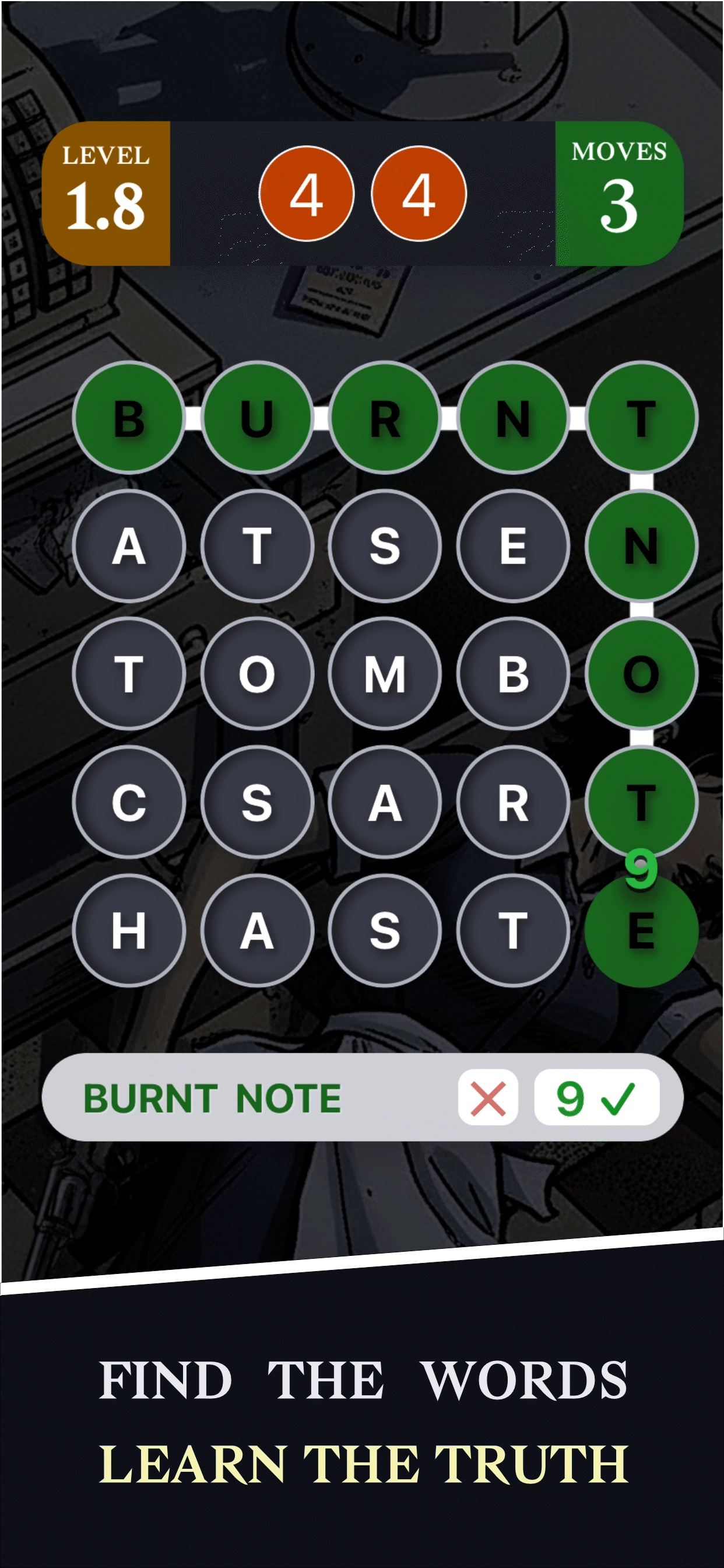
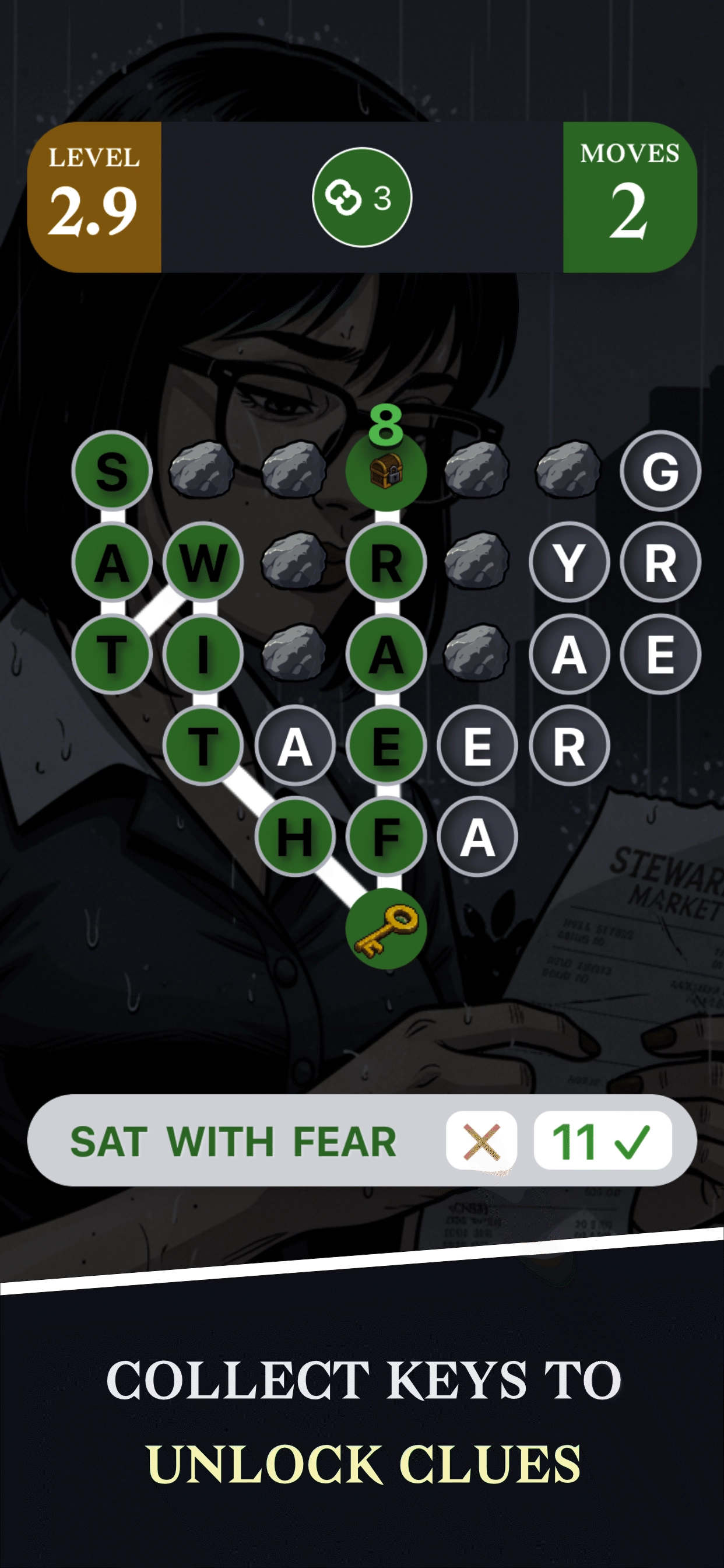
Challenge yourself with hundreds of levels that start easy and gradually increase in difficulty. Perfect your word chaining skills!
💎 Free Forever
The core game is completely free. Play hundreds of levels, experience the full story, and enjoy all gameplay features without spending a penny.
System Requirements
iOS Requirements
- • iOS 13.0 or later
- • iPhone, iPad, or iPod touch
- • Approximately 200 MB storage
- • Internet connection optional
Android Requirements
- • Android 8.0 (Oreo) or later
- • Available on Google Play
- • Approximately 200 MB storage
- • Internet connection optional
Installation Instructions
Tap the Download Button
Click the App Store button above to open the App Store page for WorderMurder. On iOS, you'll be redirected to the App Store app.
Install the App
Tap "Get" or "Install" on the App Store page. You may need to authenticate with Face ID, Touch ID, or your Apple ID password. The app will download and install automatically.
Start Playing
Once installed, tap the WorderMurder icon on your home screen. The game will launch and you'll be introduced to Laura's story. No account creation or setup required—just start playing!
New to WorderMurder?
Welcome! If this is your first time playing, we recommend checking out our comprehensive guides to get the most out of your experience:
Troubleshooting
Installation Failed
Make sure you have enough storage space (at least 200 MB free). Check your internet connection and try again. If problems persist, restart your device and attempt the installation again.
App Won't Launch
Ensure your device meets the minimum system requirements. Try closing and reopening the app. If the issue continues, delete and reinstall the app, or check for app updates in the App Store.
Need More Help?
Check our FAQ page for more answers, or contact support if you're still experiencing issues.